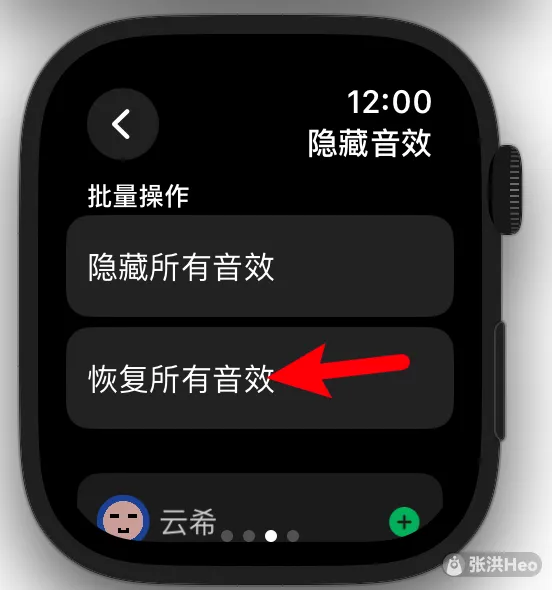
Switch & Edit Sounds
On the iPhone side, MuYu opens the sound list to switch sounds.
Swipe left to the third screen on the right.
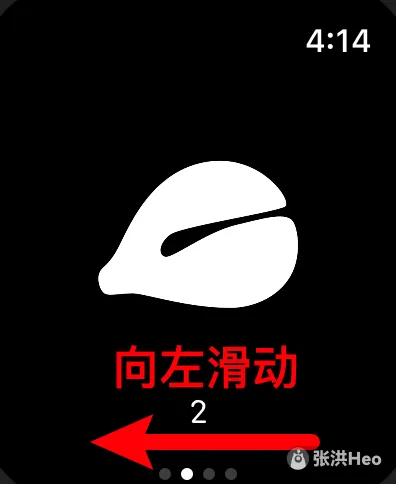
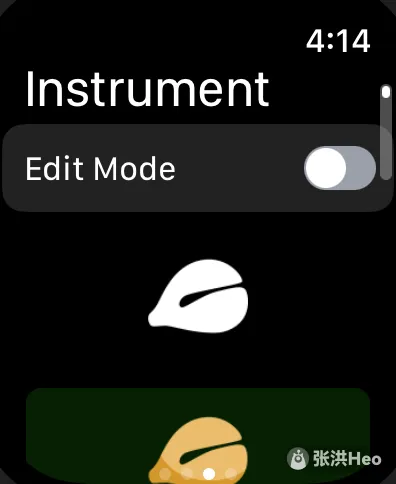
Switching
Tap another sound to switch to it. While switching, the sound plays once. Then swipe right to return to the second screen and keep striking.


Hiding sounds
You can enter edit mode to hide sounds you don't want to see. Turn on edit mode at the top of the sound list.
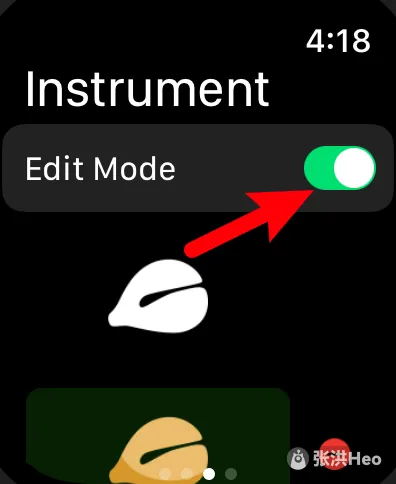
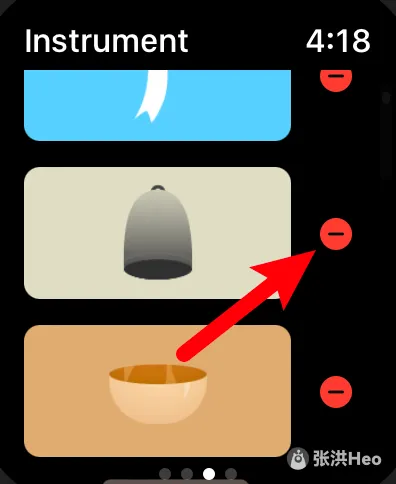
Then scroll to the sound you don't want to show and tap the red hide button on the right.
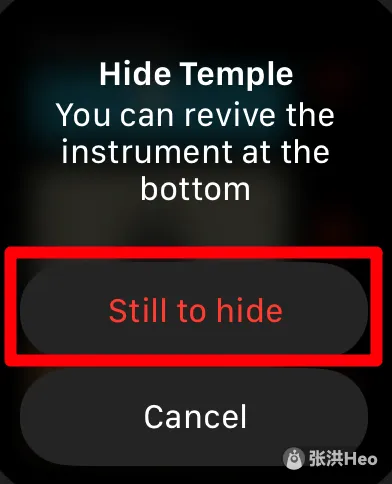
Confirm the hide.
Restoring hidden sounds
If some sounds are hidden and you want them back, look at the hidden sounds list at the very bottom of the sound list to view and restore them.