Music Keyboard
The Music Keyboard is a signature MuYu feature. You can easily map any key on your Mac to a sound, creating custom keyboard key sounds, and it supports a music mode too.
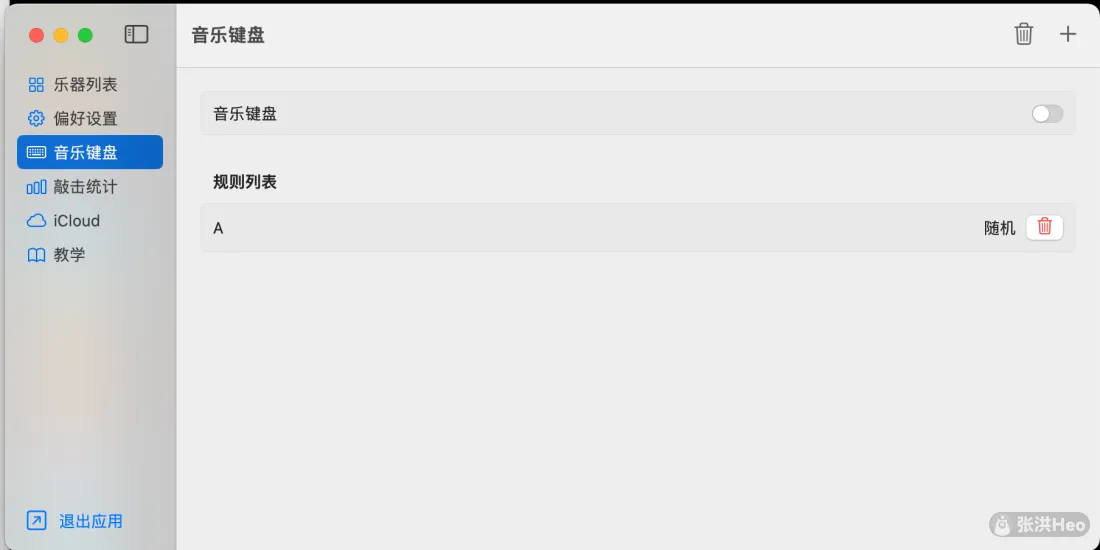
Accessibility permission
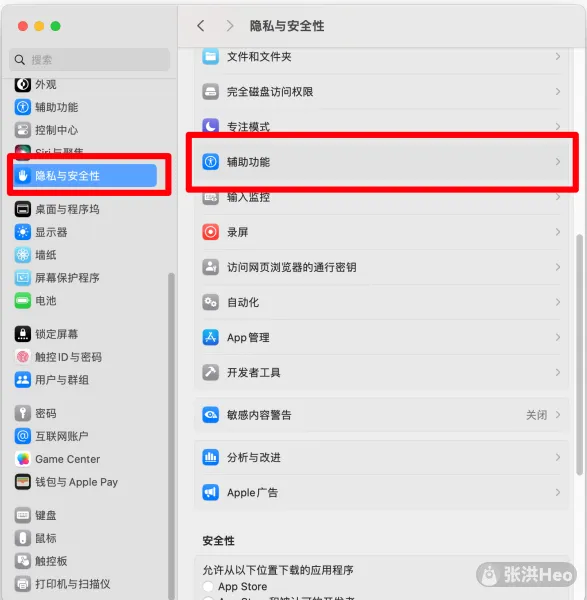
The first time you use it, you need to grant MuYu accessibility permission, which you can change in your Mac's System Settings.
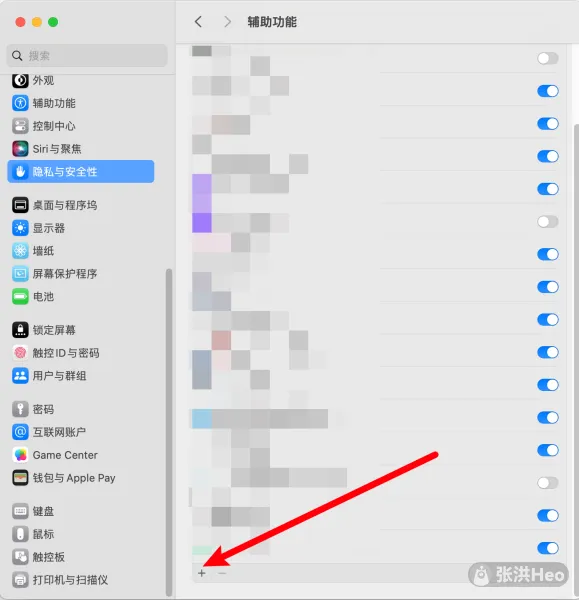
If you don't see MuYu in the accessibility list, you can add it manually — click the plus button below and add MuYu to the list.
Adding a rule
Click the plus button in the top-right corner to add a rule.
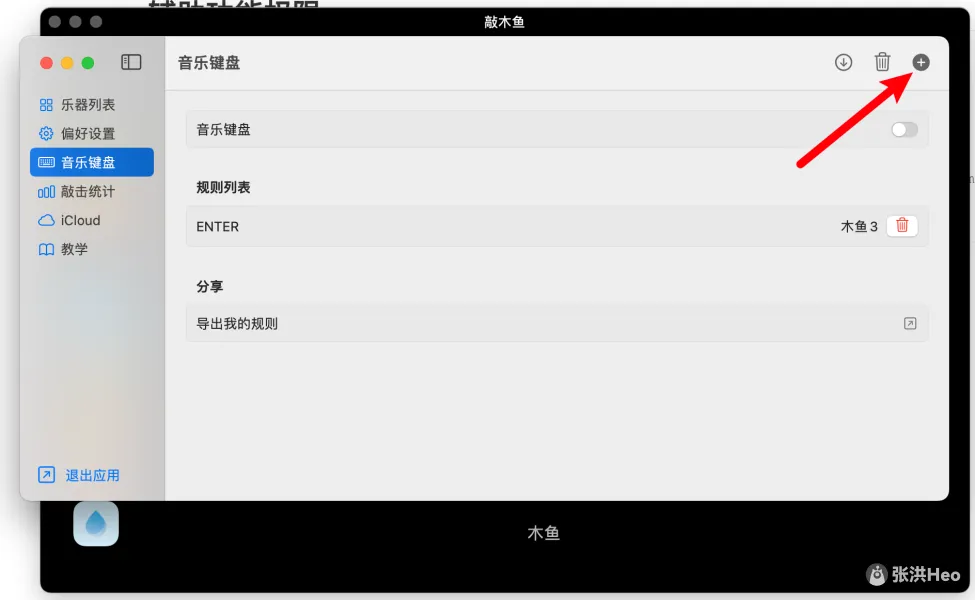
In the window that appears, bind a key to a sound.
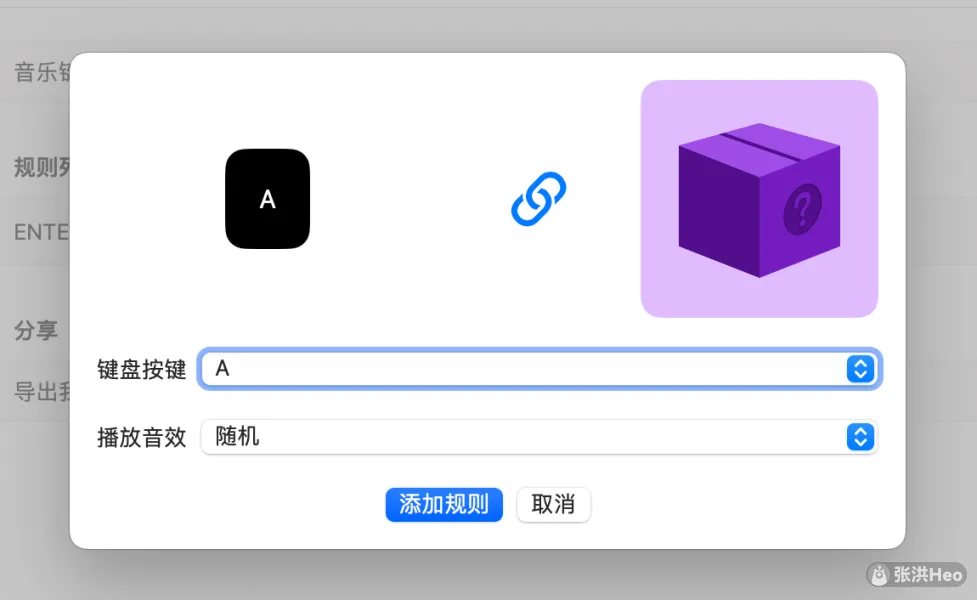
If you bind a key that's already bound, the existing rule is overwritten.
Deleting a rule
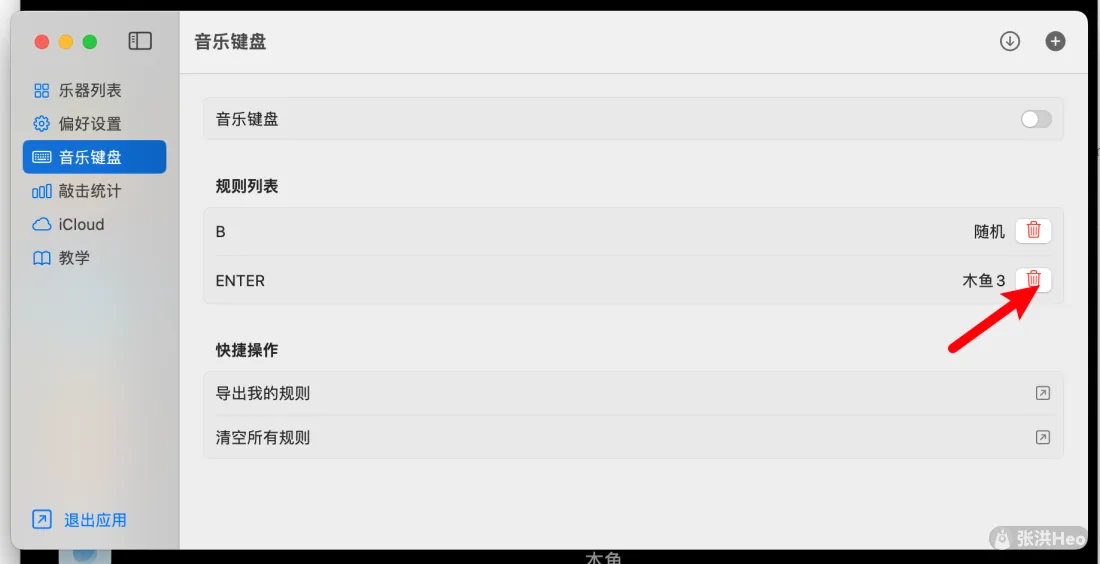
Click the trash icon to delete a rule, or delete all rules from the Quick Actions at the bottom.
Sharing rules (beta)
If you're a custom keyboard maker or a keyboard DIY enthusiast, you can turn your favorite sounds into stickers and personalize your keyboard. By sharing rules, more users can use your custom keyboard's key rules.

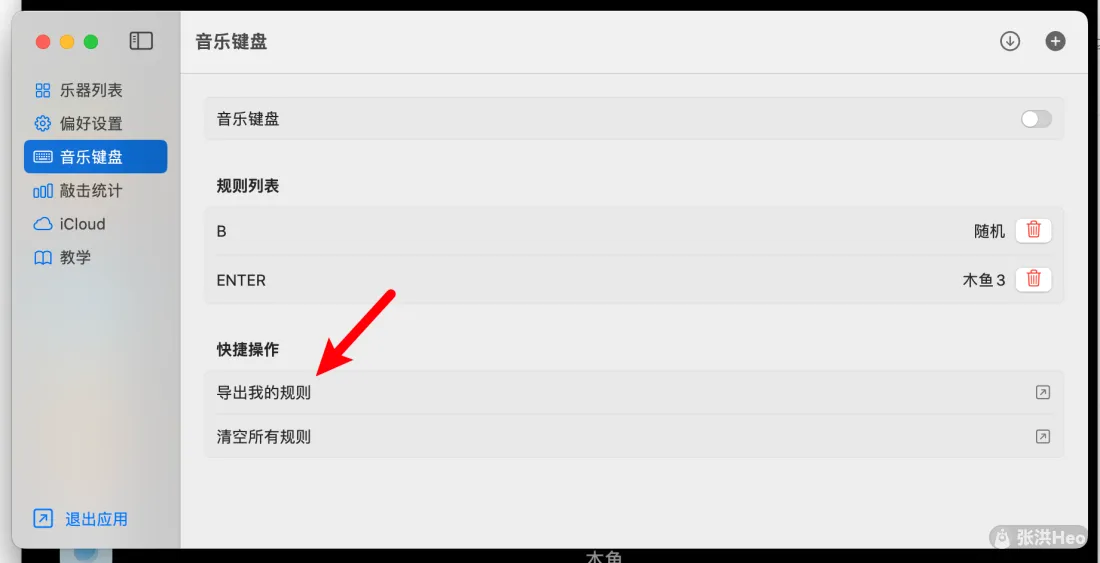
Just click Export Rules in Quick Actions. It saves a JSON file.
Importing rules (beta)
You can also click the Import button in the top-right corner to import your rules.
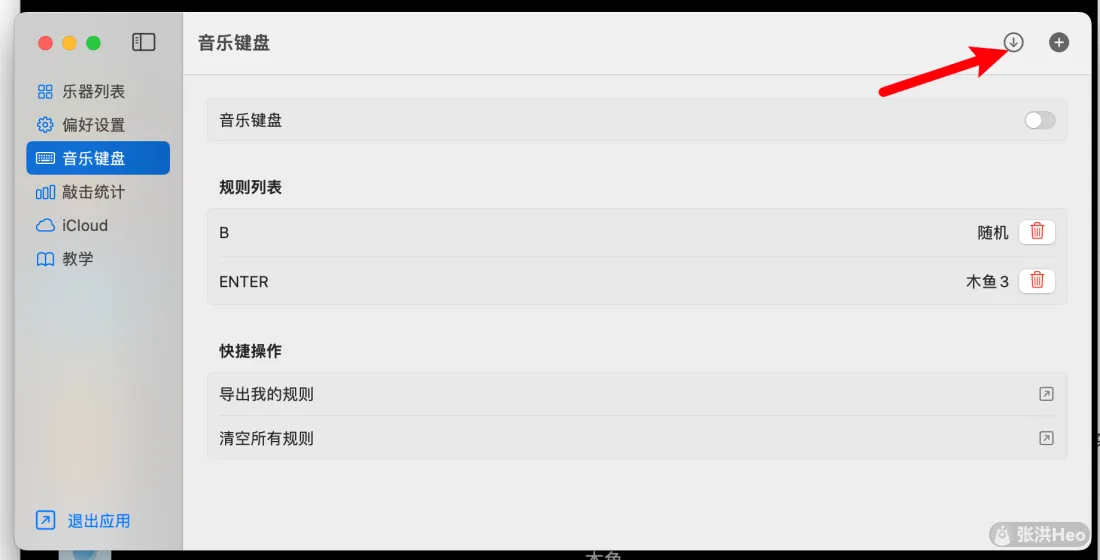
Importing only overwrites rules when a key conflicts; unrelated rules are left untouched.