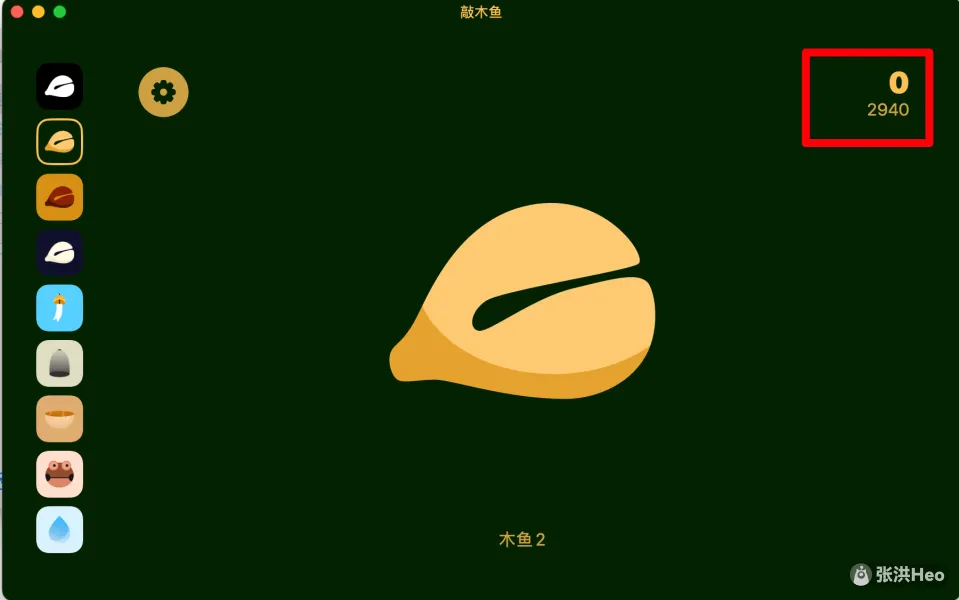
Main Interface
MuYu is designed to be as intuitive as possible. Once you open the app, just tap the screen to play the sound you want.
The app supports Simplified Chinese, Traditional Chinese, English, Japanese, German, Malay, and Spanish. More languages are on the way.
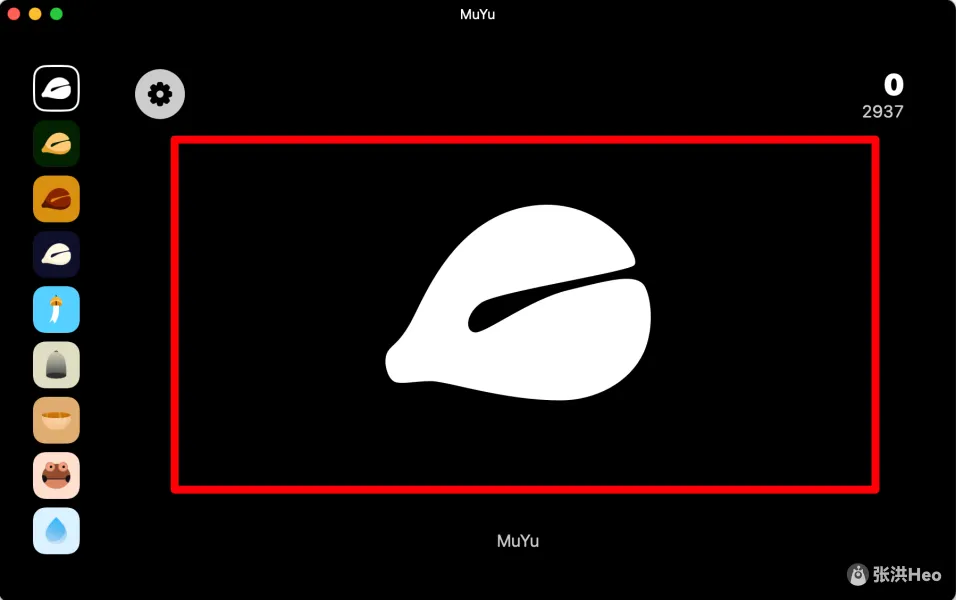
Tap the main screen to play sounds
Tap anywhere on the screen to strike.
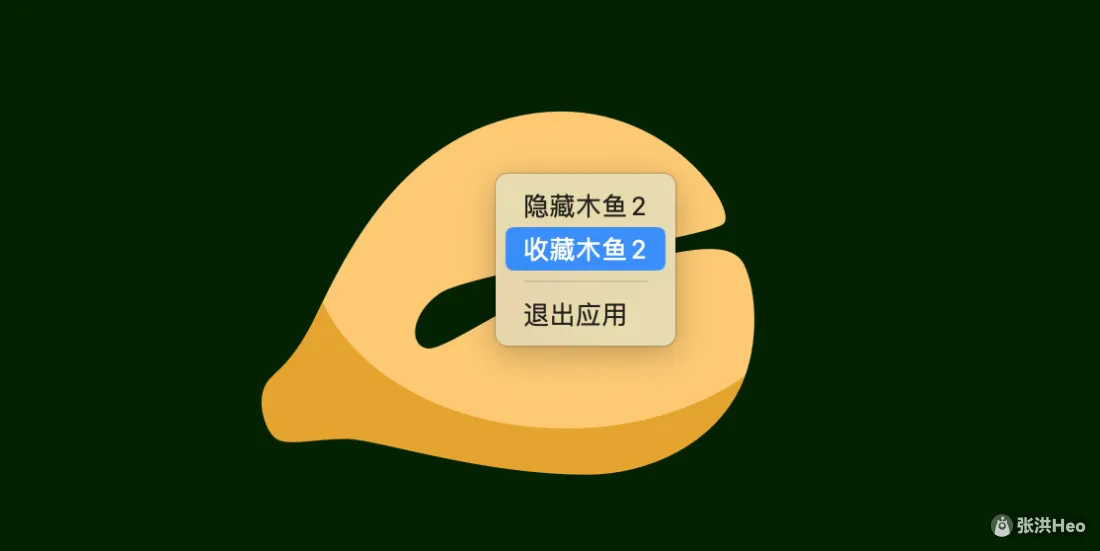
Right-click a sound to favorite or hide it.
Quick sound switcher
In the quick sound switcher, scroll with the mouse to see more sounds, and click to switch.
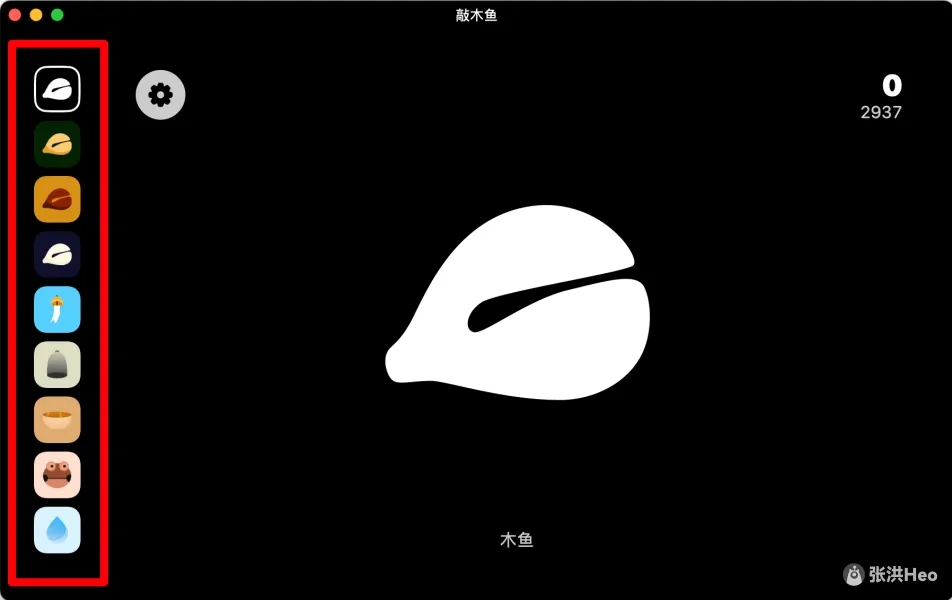
You can right-click in the quick sound switcher to hide or favorite a sound.

Counter
Click the counter to reset it.