Auto Play
MuYu supports full-featured auto play. You can strike automatically and hands-free, turning it into a source of white noise.
Turning on Auto Play
Tap the settings button or the sound name to open the settings screen.
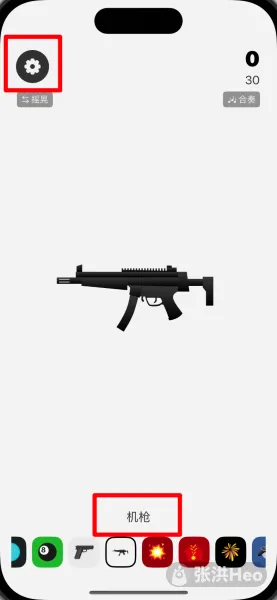
Once you switch Auto Play on, you can adjust the tap speed and more.
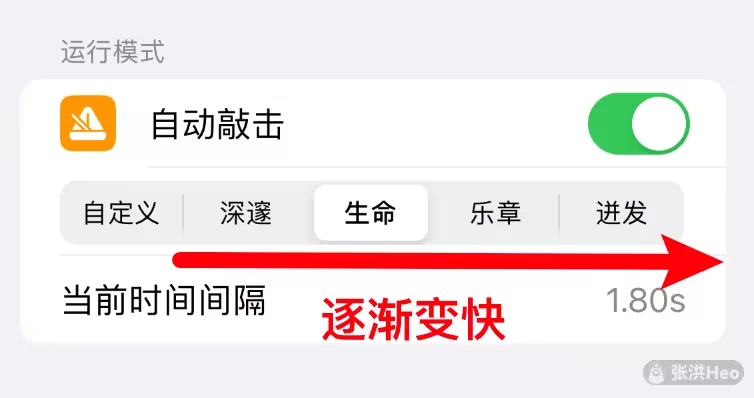
Auto Play settings
If you want deeper control over auto play, you can fine-tune it further.
On the settings screen, tap Auto Play Settings.
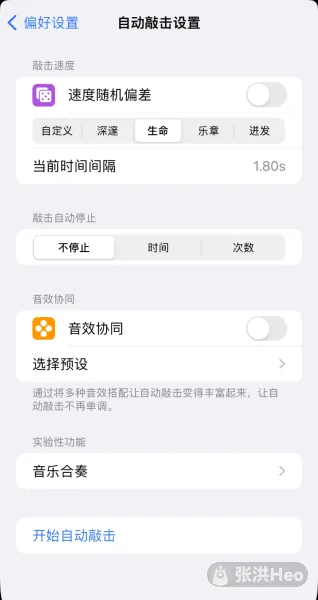
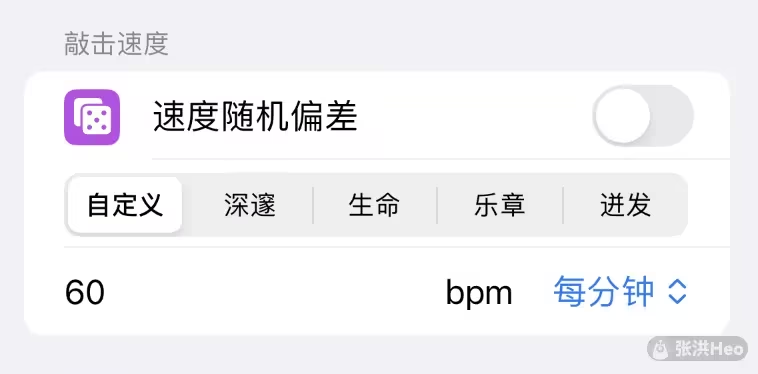
Random speed deviation
A person can't strike a wooden fish as precisely as a machine, so enabling random speed deviation sounds more natural, though the timing won't be perfectly exact.
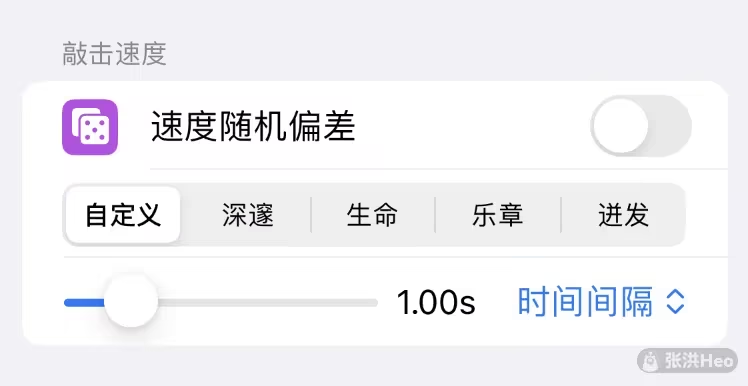
Custom speed
MuYu ships with four preset speeds and also supports fully custom speeds. You can set a custom interval between taps, or a BPM.
Auto stop
MuYu can stop on a rule you set — either a specific stop time, or a specific number of taps.
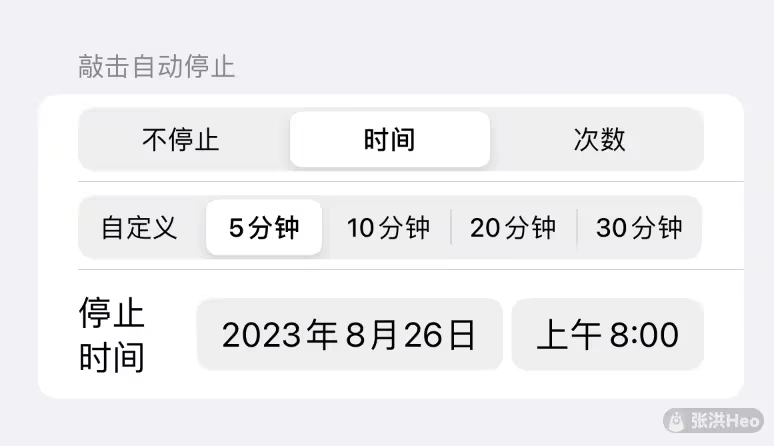
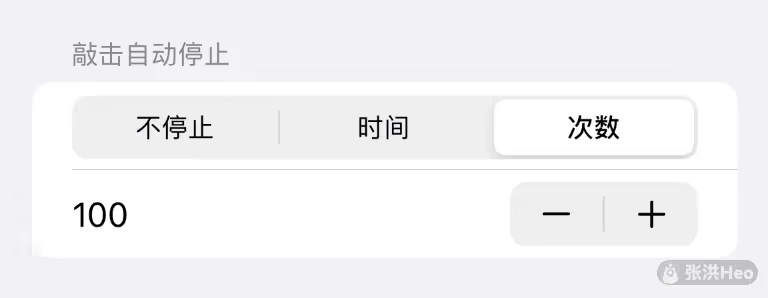
The stop time and stop count show up in Live Activities, and you can see them on the Dynamic Island too.
Sound synergy
Sound synergy was inspired by a band: each player strikes their own sound, and together they form a symphony. You can define your own synergy rules — for example, the tap frequency and volume of a sound during auto play. You can also share and import rules.
For a detailed walkthrough of sound synergy, see the video tutorial:
Music Ensemble
After you turn on the "Music Ensemble" switch in All Instruments, the Music Ensemble option appears here.
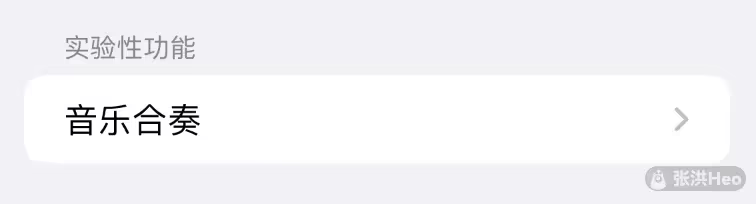
For more on Music Ensemble, see the blog tutorial: Open