Main Interface
MuYu is designed to be as intuitive as possible. Once you open the app, just tap the screen to play the sound you want.
The app supports Simplified Chinese, Traditional Chinese, English, Japanese, German, Malay, and Spanish. More languages are on the way.
Tap the screen to play a sound
Tap the center of the screen to strike the sound.
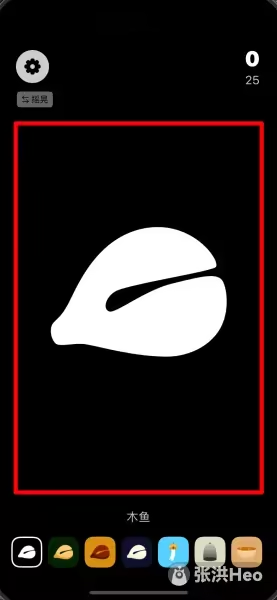
During Auto Play, tapping the screen switches the playback speed — a handy way to go from slow to fast. Great for chanting. (If you're using a custom speed, tapping won't change the speed.)
Counter
MuYu provides a temporary counter that shows how many times you've struck this sound since you opened the app. The temporary counter resets to zero when you switch sounds.
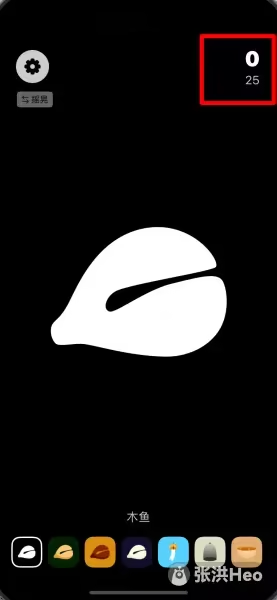
If you dislike the counter, you can turn it off in Advanced Settings. You can also choose what data the counter displays there.
Switching sounds
At the bottom of the screen there's a quick sound switcher. Slide it horizontally to pick a sound, then tap to switch.
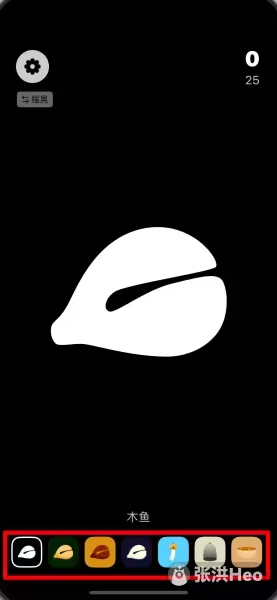
If you dislike the quick switcher, you can turn it off in Advanced Settings and switch sounds only from the settings screen.
Suggested features bar
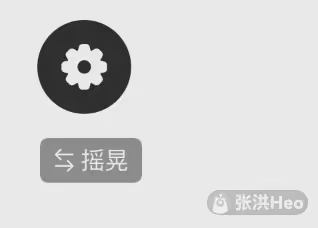
The suggested features bar offers the right feature at the right moment — for example, a shake button for sounds that suit shaking, or a Music Mode pause button for sounds that support it.
These features may appear here:
Pause
Music Mode pause appears after you strike a sound that supports Music Mode. Tapping it replays the sound you just played instead of continuing Music Mode.

Easter Eggs
Some sounds support tap easter eggs. When enabled, striking at certain moments gives a different effect — for example, "Chicken Brother" plays random sounds at the 50th tap. This switch exists so people who prefer pure sounds aren't forced to hear easter eggs.

Accompaniment (Lv.10)
Accompaniment is an early Music Mode feature that plays a matching accompaniment while you strike. It unlocks once MuYu reaches Lv.10.
Shake
For sounds that suit shaking, you'll see a shake switch right there, so you don't have to open settings — you can enable shaking from the home screen! The detailed shake settings still live in the settings screen.
Music Ensemble
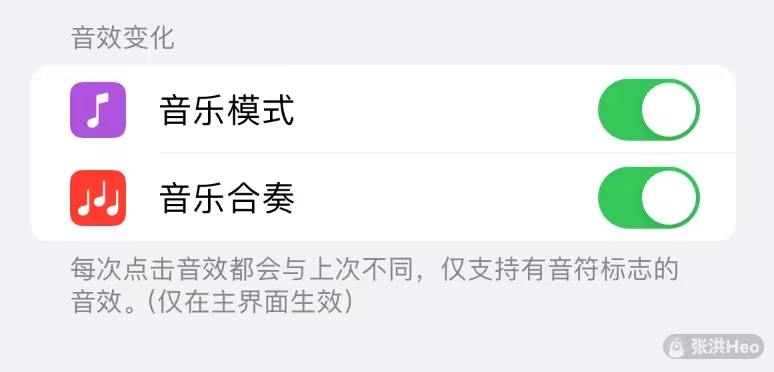
Music Ensemble is a music playback feature built with Apple Music. Search for any song inside MuYu so your tapping never gets boring. It's optional; enable or disable it in Settings > All Instruments > Music Ensemble.

For more on Music Ensemble, see the blog tutorial: Open